Info
Gantt charts in Excel, done properly.

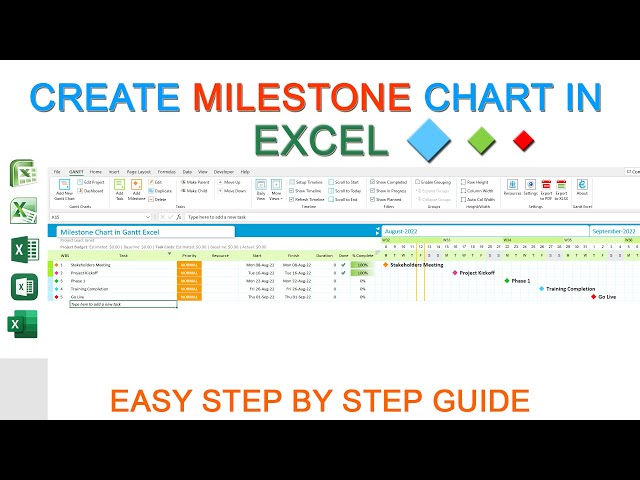
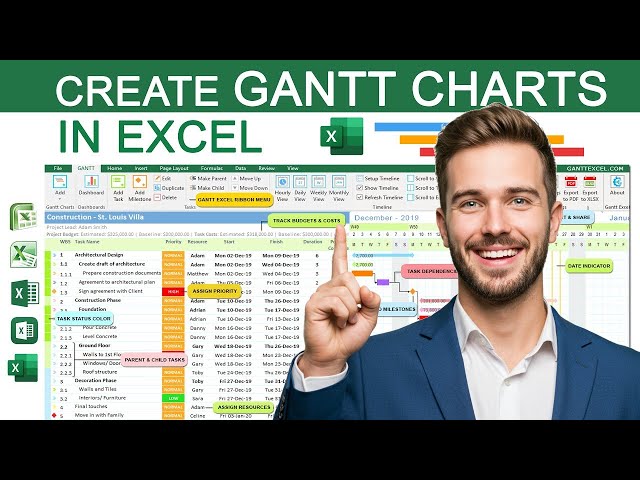
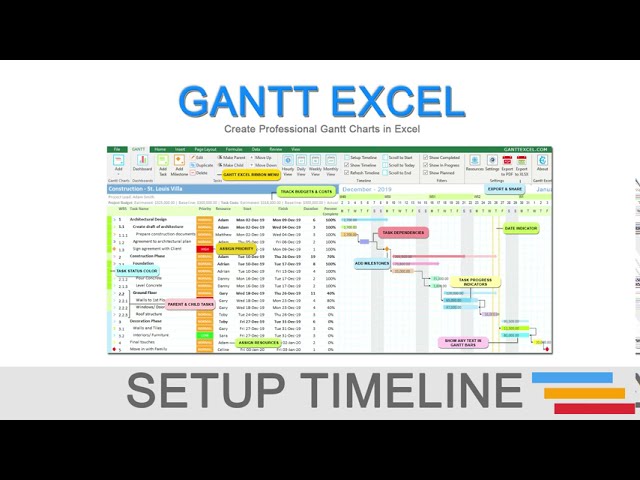
Gantt Excel is a Gantt chart template and add-in for Microsoft Excel. You type your tasks the way you already do in a spreadsheet, and it draws the timeline, links dependencies, rolls up summary tasks and tracks % complete for you. Nothing new to learn, and no Microsoft Project licence needed.

On this channel we show how it all works:

- Building a project schedule from scratch
- Task dependencies, lead and lag
- Baselines, critical path and slack
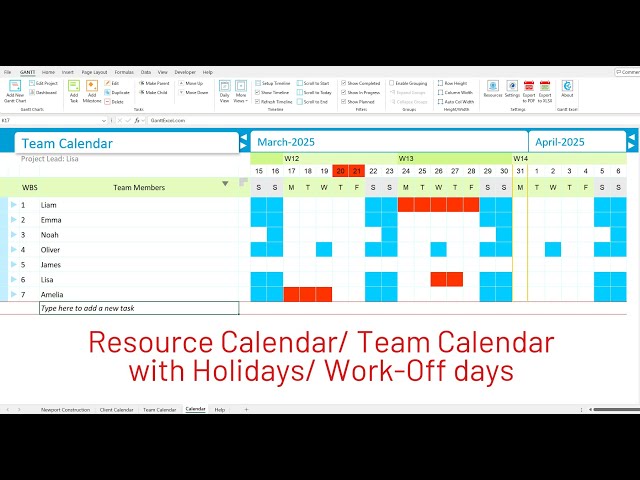
- Resources, costs and workload planning
- Dashboards and printable reports
- Plain Excel Gantt chart tricks that work with no add-in at all

New tutorial most weeks. Stuck on something? Leave a comment and we'll answer it — quite often it turns into the next video.

Free trial and templates: https://www.ganttexcel.com
Help and support: support@ganttexcel.com
Links
Stats
Joined October 14, 2016
1,251,575 total views
United States